Free preview & printed books
What families get for free, what ordering a printed softcover or hardcover unlocks, where the design review fits, and how the finished book arrives.
Here's the part every family will ask you about: what do they get for free, and what does it cost? The short version, families can preview a storybook before they pay a cent, and ordering a printed copy is what unlocks the whole thing. This page walks you through exactly how that works so you can explain it with confidence.
What families get for free
When a family personalizes one of your published storybooks, a book you authored once that every family makes their own child the star of, they don't wait long to see the result. After they enter their child's name and photo, the cover and the first couple of pages are illustrated right away, then the family sees a free preview.
The free preview is exactly the cover plus the first two story pages. It's their child, illustrated in your book's art style, reading the real opening of the story. Everything past page two stays unillustrated until they order, that's by design, not a glitch.
Families never need an account to reach this point. They browse your storefront, personalize a story, and see the preview all in one sitting. The only thing they're asked for up front is a delivery email, so the finished preview can be sent to them, handy, because illustrating those first pages takes a couple of minutes and they don't have to sit and wait for it.
What ordering a printed book unlocks
To see the full story, a family orders a printed copy. Ordering the book is what unlocks the complete personalized storybook, the cover and all ten story pages, fully illustrated with their child in every scene.
There are two book options, and families pick one at checkout:
Softcover, $29.99Hardcover, $39.99 (this one wears aMOST POPULARstamp and is preselected)
Both are square, printed picture books. The order includes the printed copy shipped to their home and the full digital story to read on screen right away.
The moment a family pays, the rest of the book starts illustrating. They can watch the remaining pages fill in one by one on the story screen, the page dots light up as each page finishes. This takes a few more minutes, and again, they don't have to wait around for it.
Where the design review fits
Here's a detail worth knowing so you never over-promise on timing: buying a book does not send it straight to the printer. Every purchased book passes through a design review first. A person checks that the illustrations look right, that the child looks like themselves on every page, before anything is printed.
Because of that, the very first status a family sees after paying is Under Review. That's completely normal and expected, it is not an error, and it is not something the family (or you) did wrong. It just means the book is in the review step before print.
This review is handled by the PrestoStories design team, not by you. As the author of the storybook, you're not part of a family's book-approval loop at all. You approved the storybook once when you published it; each family's individual book is reviewed and printed without any action from you.
How the printed book arrives
After the design review passes, the book goes to print and ships. Shipping is free.
Families can follow their order the whole way. The order screen shows a live status stamp that moves through the stages without them needing to refresh:
Under Review, the design team is checking the book. This is the normal first stage after payment.Preparing to PrintandSent to Print, the book has passed review and is on its way to the printer.Printing, the printed copy is being made.Shipped, it's on its way. A tracking number appears here that the family can tap.Delivered, it has arrived.
What you see on your side
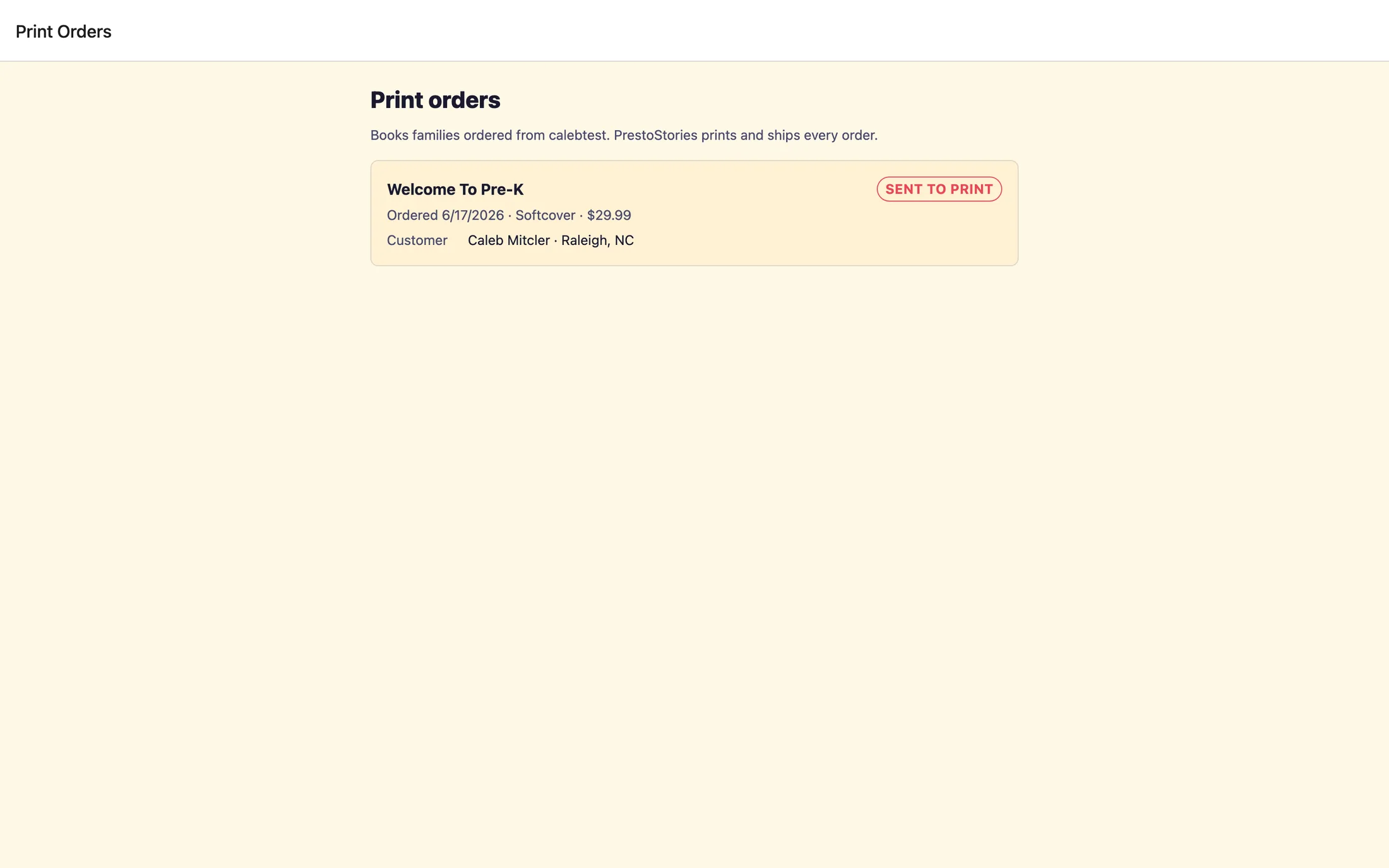
You don't manage checkout or fulfillment. PrestoStories handles printing and shipping. But you can keep an eye on the results. Your dashboard shows a Print orders count, and the Print orders page lists each order with the storybook title, the Customer, and a Tracking number once the book ships.
This page is read-only, a window into what families have ordered, not a place you fulfill anything. Your published storybooks also show quiet usage stats over time, like how many stories families have created and how many books they've ordered, so you can see which of your books are resonating.
Quick recap to share with families: preview the cover and first two pages free, order a softcover or hardcover to unlock the full book, every book is reviewed before printing, and then it is printed and shipped free.
Still stuck? Email support@prestostories.com and we'll help.