Glossary
Plain-language definitions of the words you'll see in the Story Studio, from storybook and story to Cast Art, story credits, and print orders.
New words show up fast when you start building storybooks. This page is your quick reference. Each term is one or two plain sentences, so you can look something up and get right back to what you were doing.
The two big ones
Almost everything in the studio hangs off these first two words. Get these two straight and the rest falls into place.
Storybook (also called a template)
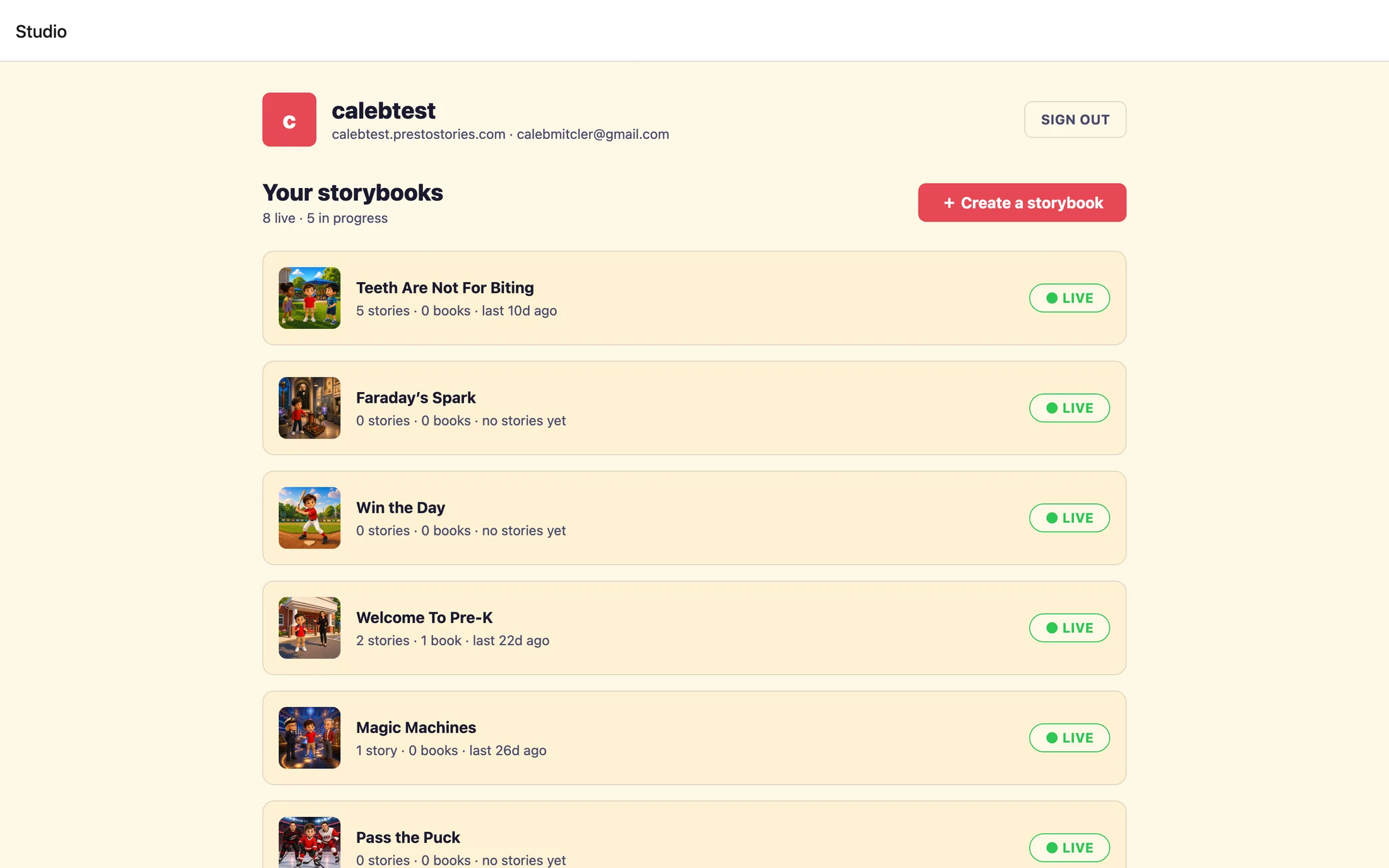
A storybook is the reusable book you build once. You design the story, the characters, and the art, and then every family who visits your storefront makes their own version of it. On your dashboard these are listed under Your storybooks. A few buttons still say "template" (like Publish template), same thing, just an older word for it.
Story (a family's personalized edition)
A story is one family's finished copy of your storybook, with their own child written in as the star. You never edit a family's story, you only see the counts on your dashboard, like Stories created and Books ordered.
The child in your storybook
The reader (the child's role)
Your storybook has one open role for a child, the star. While you build, it shows up as Character slots, described on screen as "the role each family's own child steps into." It is a slot, not a specific kid.
The stand-in child
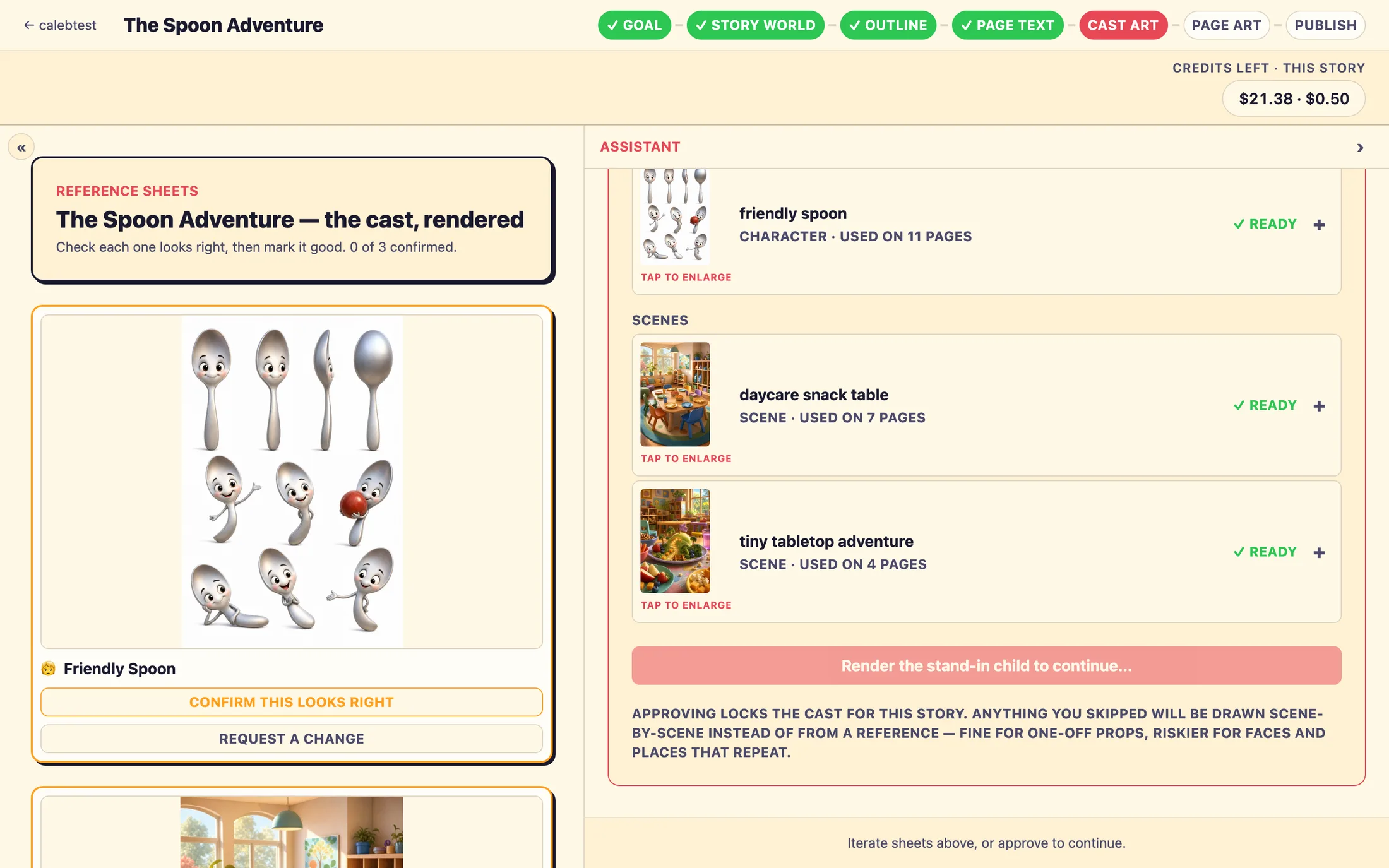
While you build, that role is filled by a placeholder called the stand-in child. It always draws as a boy in a bright shirt, and that is on purpose, the bright color is how each family's real child gets swapped in later, automatically. When you review the art, you are confirming the art style, not the child. The on-screen hint says it plainly: "Confirm the art style, not the child."
Photos and art
Reference photo
A real-world photo you upload of something that recurs in the story, a teacher, a classroom, a special keepsake. The story is written to stay true to it, and the photo later becomes that character's, scene's, or object's illustration. Reference photos are always optional; you can Continue without photos ›.
Cast Art (also called a reference sheet)
One finished portrait of a character, scene, or object in your book's art style. These are the visual source of truth, every page uses them so your cast looks the same from page to page. You'll review them at the Cast art step and mark each one ✓ Looks good. Each sheet takes a couple of minutes to draw, so you can leave and come back.
Element catalog
Your own library of recurring people, places, and things, a pastor, the sanctuary, the school mascot, saved once with their art. Pull any of them into a new storybook and they come in already illustrated, marked 📚 from your catalog, reused free. The catalog opens up once you start your first storybook.
The story's plan
Story world (also called the story bible)
The master plan for your book: the summary, the cast list, and a description of every scene, character, and object. The step chip says Story world; the review card calls it the story bible, same thing. Approving it locks the plan and opens the next step.
Outline (also called the beats)
Your book's outline, one plot point per page. Each point is a "beat," and the studio drafts the whole arc for you from your Story world. You read through, tune what happens on each beat, and approve. The step chip says Outline; the review card says beats.
Refrain
A repeated phrase or image that echoes on certain pages to give the book a read-aloud rhythm, like a line that comes back near the end. Beats that carry it wear a green refrain tag. Which beats those are is set by the story's structure, not something you choose page by page.
The finished pages
Page text
The actual words on each page. The studio drafts these from your approved beats, and you read the whole book front to back, fix any wording, and approve. This is the exact text families will read, a family's own copy only swaps in their child's name and pronouns, nothing more.
Page art
The full-page illustration for each page, drawn in your book's art style using your Cast Art and the stand-in child. A finished storybook is a cover plus ten story pages, eleven square, full-page illustrations in all. While reviewing, you'll see the preview drawn with a fixed stand-in reader named Leo, age 7.
Going live and selling books
Preview
The free sample a family sees before buying, the cover plus two pages. The rest of the book is illustrated after they order the printed copy. That limit is by design, not a glitch.
Storefront
Your branded homepage at your own web address, where families see your live storybooks. You can add a logo, an accent color, and a welcome line. Your edits stay in a private draft until you choose Publish to live.
Print order
A family's order for a printed copy of their book, square, hardcover or softcover. PrestoStories handles the printing and shipping. Your Print orders page is a read-only view where you can see the customer and a tracking number once it ships.
Story credits
The balance that funds your own building, drafting text and illustrating art. This is separate from what families pay for their books. Owners can top up from the dashboard (Add →, then Add story credits); editors ask an owner to top up.
Still stuck? Email support@prestostories.com and we'll help.