
How storybooks work
The core idea behind PrestoStories: you author one storybook, and every family who visits your page makes their own child the star.
Here is the one idea that makes everything else click: you author a storybook once, and every family who visits your page makes their own child the star of it. You do the creative work a single time. After that, families personalize, preview, and order on their own.
This page walks through that model in plain words: what a storybook actually is, who does what, and the lifecycle from your first draft to a printed book on a family's shelf. Once this clicks, the rest of the studio is just details.
A storybook is a reusable master, not one child's book
In the studio you build a storybook, a master version of a story. It holds the plot, the pages, the art style, and one starring role that is left open. You are not making a book about a specific child; you are making the mold that every family's book gets poured into.
When a family visits your page and personalizes your storybook with their own child, that becomes a story, one family's private, personalized copy. Their child's name, traits, and likeness slot into your words and pictures. That story is theirs. You never edit it and never even see it, you only see friendly counts, like how many stories families have made and how many books they have ordered.
The starring role and the stand-in child
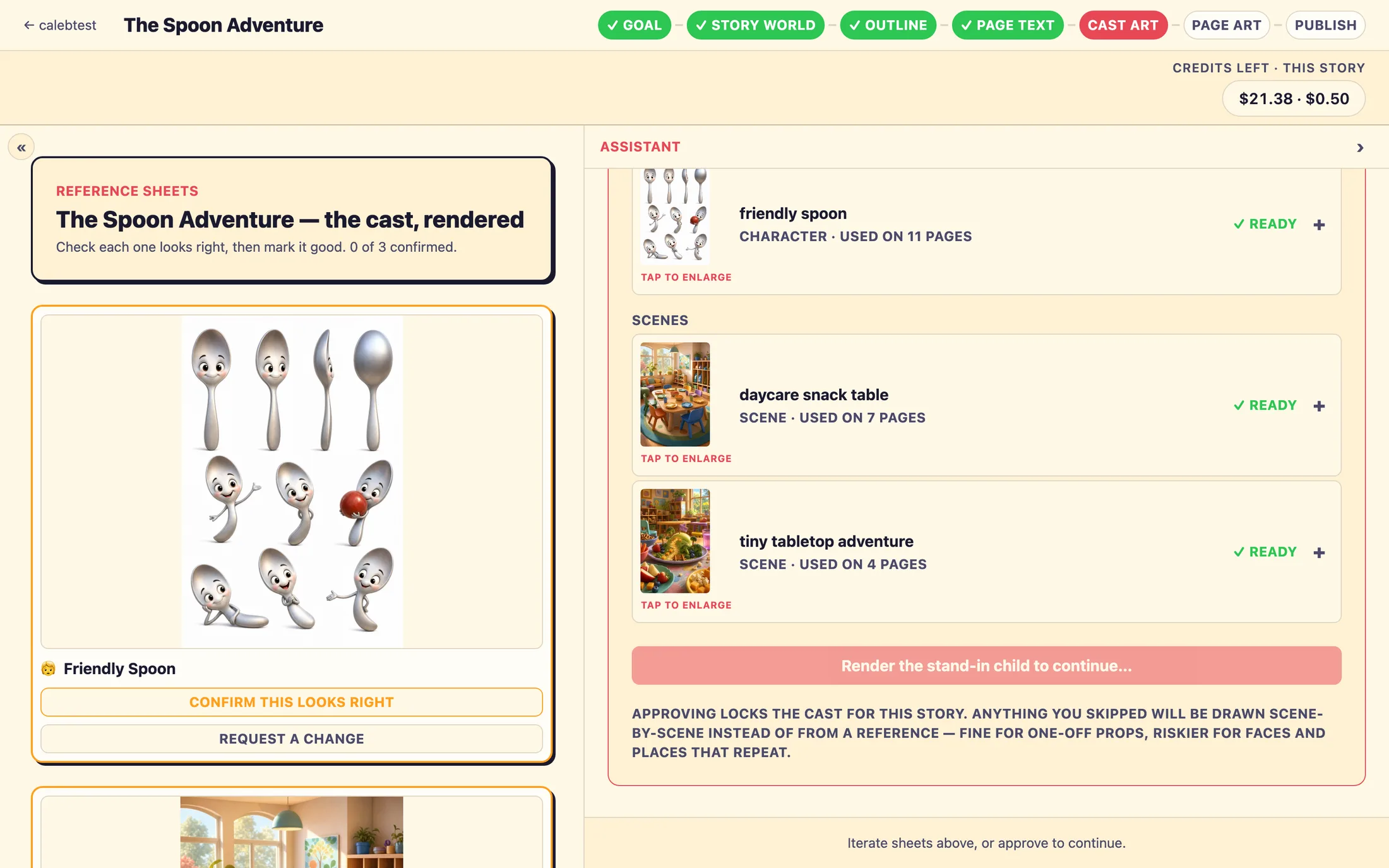
Your storybook has a starring role, but no real child fills it while you author. Instead, the studio shows a placeholder it labels The stand-in child, a single made-up kid who stands in for whoever a family will later add. On screen the stand-in wears a bright shirt, and their reference card carries a purple READER pill. That bright color is not a mistake: it is how each family's real child gets found on every page and swapped in later, automatically.
What you do vs. what families do
The easiest way to hold the whole system in your head is to split it in two: the part you do once, and the part every family does on their own.
You (once, in the studio)
- Describe the story you want and answer a few questions in the
Assistantdock. - Review and approve the
Story world, the story's plan (summary, cast, and scenes). - Pick your story's voice, how the words sound read aloud.
- Review and approve the
Outline, the beat-by-beat plan for each page. - Review and approve the
Page text, the exact words families will read. - Confirm the
Cast art, the illustration style for your characters and settings. - Render and review the
Page art, the finished illustrations. - Publish. Your storybook goes live on your page for families to find.
Families (on their own, on your page)
- Visit your page and pick one of your published storybooks.
- Add their own child, a name, a few traits, and a photo.
- Wait a couple of minutes while the first pages are illustrated with their child.
- Read a free preview: the cover and the first two pages.
- Order a printed copy to unlock and keep the whole book.
The lifecycle, start to finish
Here is the whole journey in order. The first steps are yours; the rest happen on their own once your storybook is live.
- You author the storybook in the studio, approving each step as you go.
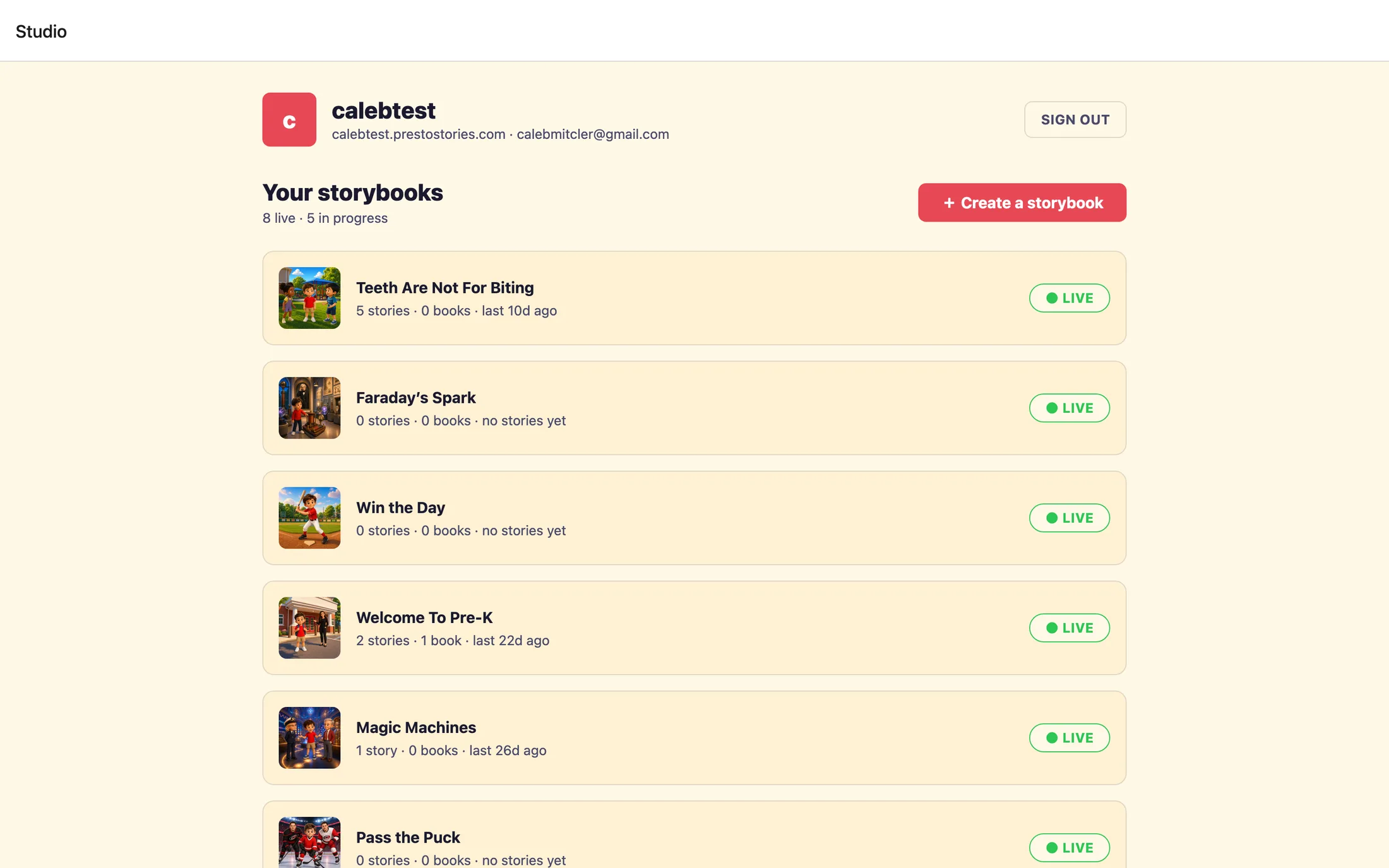
- You publish it. It appears on your page at your storefront address for families to find.
- A family visits, picks your storybook, and adds their own child with a photo.
- The first pages are illustrated with that child, this takes a couple of minutes.
- The family reads a free preview: the cover and the first two pages.
- To unlock the whole book, the family orders a printed copy.
- The full book is illustrated, reviewed by the PrestoStories design team, and printed.
- The printed book ships to the family.
- Back on your dashboard, your storybook's counts tick up, stories made, books ordered.
What a finished storybook looks like
Every storybook is a cover plus ten illustrated story pages, page zero is the cover, and pages one through ten tell the story. That is eleven full-page, square illustrations in all, printed as a square hardcover or softcover book.
A few things to keep in mind
These are the surprises worth knowing before you start, so nothing catches you off guard.
While you review, the studio previews your book using a fixed stand-in named Leo, age 7. There is nothing to pick or set up here. Leo is just there so the pages read naturally instead of showing blank placeholders. Every real family replaces him with their own child.
Do I make a separate storybook for each child?
No. You make one storybook, and every family personalizes their own copy from it. That copy, with their child's name, traits, and likeness, is their private story. You author once.
What is the difference between a storybook and a story?
A storybook is the reusable master you author in the studio. A story is one family's personalized version of it, created when they add their own child on your page. You edit storybooks; families create stories.
Why does the stand-in child look like a boy in a bright shirt if my story is for a girl?
The stand-in is only a placeholder, and the bright shirt is how each family's real child gets found and swapped in later. When you review the art, you are confirming the illustration style, not the child. Every family replaces the stand-in with their own child.
Can I fix a step after I approve it?
No, approvals are one-way. Once you approve a step you cannot reopen it to edit, so review each step carefully before approving. There is no back button to a prior approved step.
How many pages is a finished book?
A cover plus ten illustrated story pages, eleven full-page square illustrations in all. It prints as a square hardcover or softcover book.
Do I handle the family's payment or printing?
No. Families order and pay on your page, and PrestoStories reviews and prints every book. You only see the resulting order in your Print orders list, with the customer's name and a tracking number once it ships.
Still stuck? Email support@prestostories.com and we'll help.