
Make your first storybook
A guided overview of the seven steps to author and publish your first storybook, how long it takes, and what to know before you start.
A storybook is a book each family makes their own child the star of. You author it once, and every family who visits your storefront creates their own version. This page walks you through the seven steps from start to finish, so you always know where you are and what comes next.
What you are building
The finished storybook is a printed, square book, hardcover or softcover: a cover plus ten illustrated story pages. You will chat through the story, review the writing, and review the art as it is illustrated for you in the background. Most books take about 20 to 30 minutes of your time from start to publish.
You never build the book for one specific child. The main character is a role, a stand-in child, that each family swaps for their own child when they visit your storefront. Keep that in mind the whole way through: you are designing a book any child can star in.
The seven steps at a glance
A strip across the top of the studio shows your seven steps in order. The step you are on is filled in, and finished steps get a green checkmark. Each step ends with a review you approve before the next one begins. Here is what each step produces.
- Describe. You answer a few friendly questions in the studio: who the book is for, the one thing a child should take away, the art style, and anything to avoid. This produces the Story World: the plan for your whole book.
- Story World. You review that plan (the studio calls it the story bible): the summary, the cast, and every scene and object. Edit any description, then approve. Approving locks the plan and starts illustrating your cast art quietly in the background.
- Outline. First you pick your story's voice from a few samples; this short step is required, and the Outline review will not open until you have picked. Then you review the Outline: the book broken into page-sized beats. Tune what happens on each beat, then approve.
- Page Text. You read the whole book front to back, page by page, and fix any wording. This is the exact text families will read in the finished book. You approve once you have read every page.
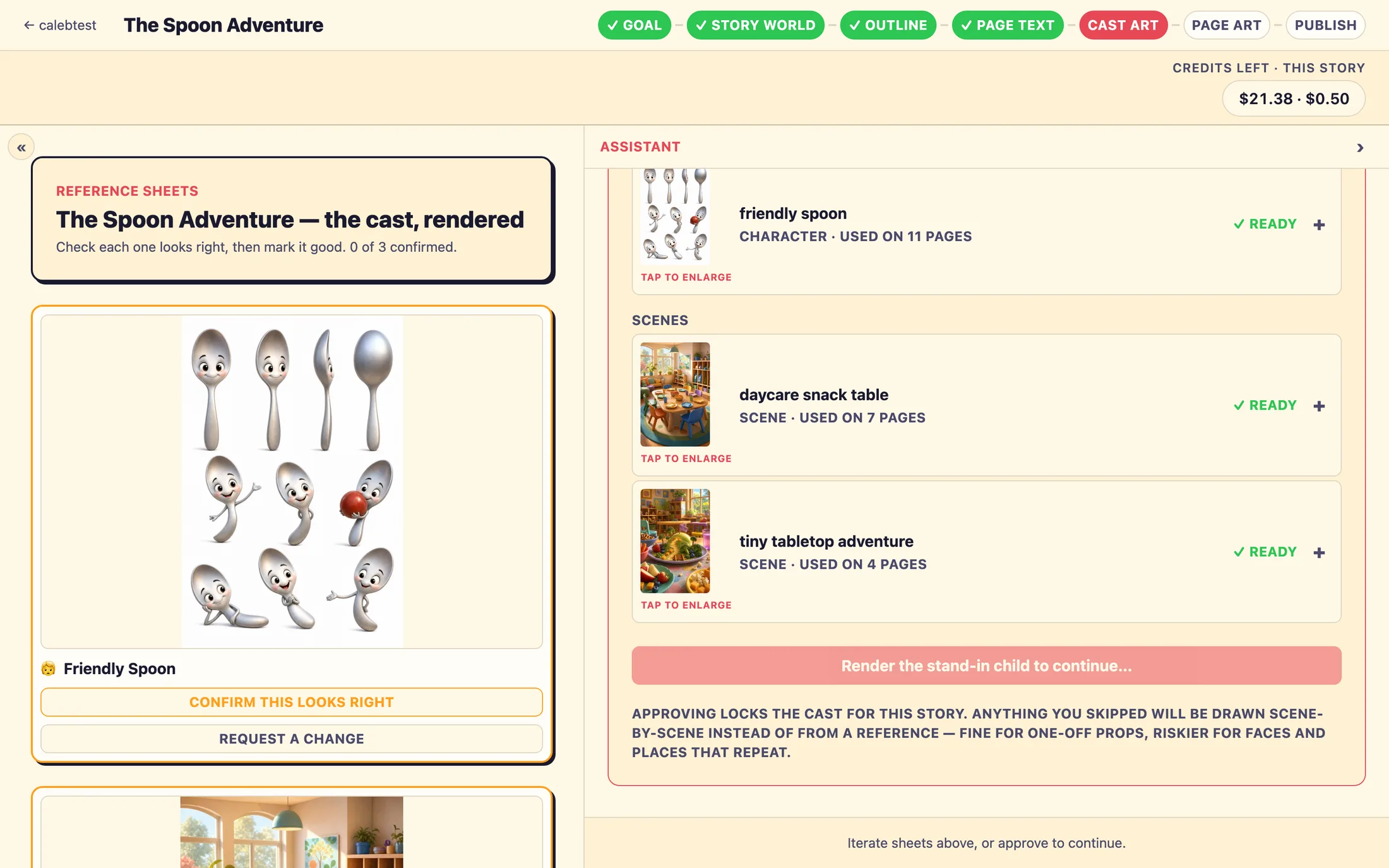
- Cast Art. You review the Cast Art: one finished portrait of each character, scene, and object in your book's style. Confirm each one looks right. These portraits keep everyone looking the same on every page.
- Page Art. Every page of the book is illustrated for you using the cast art you approved. You check each page and confirm the stand-in child is highlighted correctly, then approve.
- Publish. The studio runs a final checklist, you read the book through once more, and you publish. Your storybook goes live on your storefront so families can start creating their own versions.
How long it all takes
Most of your time is spent chatting and reviewing. The waits between steps happen while writing and art are prepared for you, and they are honest waits, you can leave and come back.
- The Outline drafts in about 30 seconds.
- The Page Text drafts in about a minute and a half.
- Each piece of Cast Art takes roughly two to three minutes, and they all illustrate at the same time in the background, so most are done by the time you reach the Cast Art step.
- Each page of Page Art takes about 20 to 40 seconds, and rendering keeps going even if you close the tab.
Approvals only go forward
Each step ends with an approval, and every approval is a one-way gate. Once you approve a step, you cannot reopen it to edit, there is no back button to a finished step. So take a moment to review carefully before you approve. The good news: you can still fix a lot downstream. For example, the beat structure locks when you approve the Outline, but you can still edit every word of the story on the Page Text step.
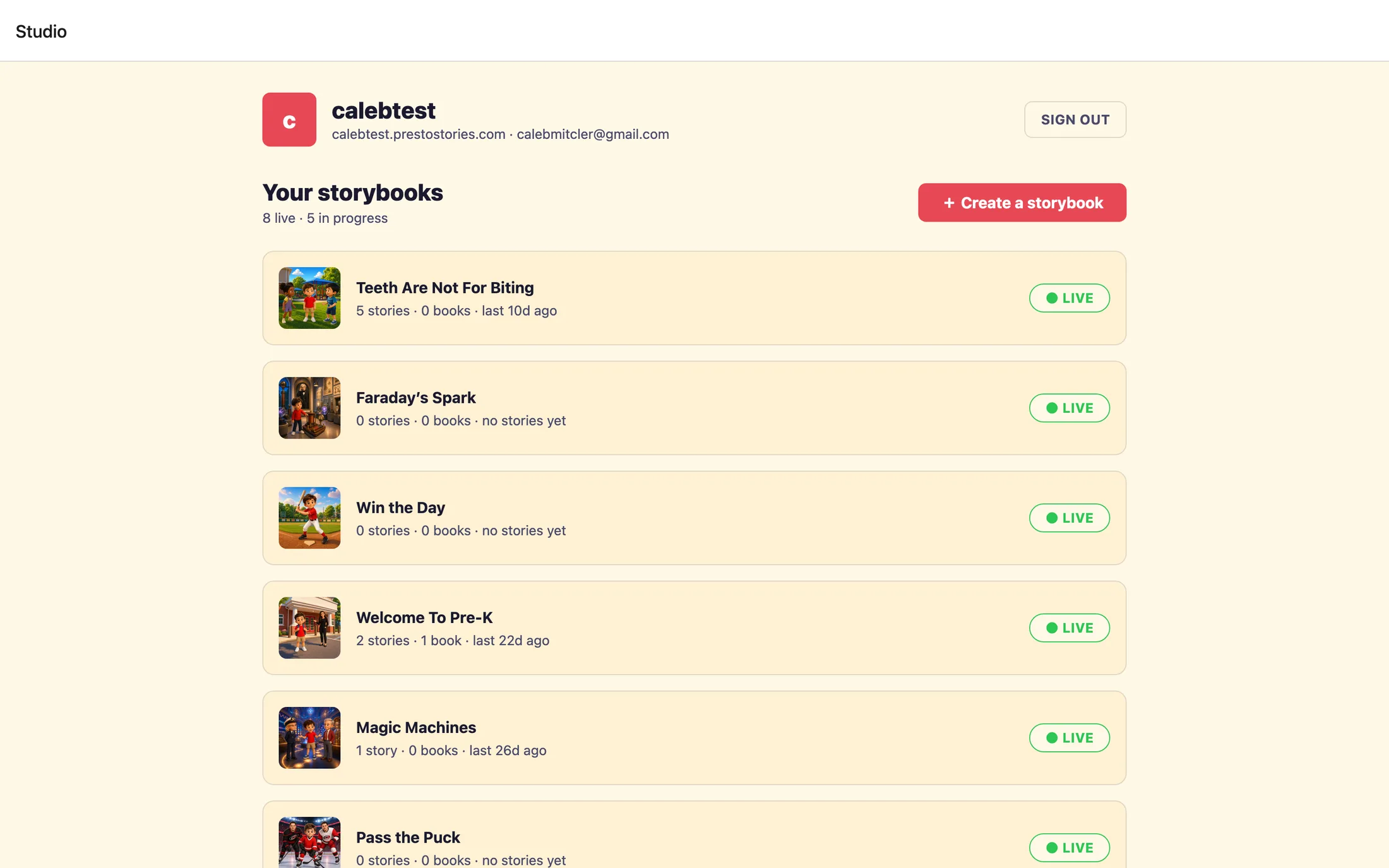
+ Create your first storybook to open the studio.Where to go next
Ready to begin? Head to your dashboard and start your first book. When you want detail on any single step, open its page below, each one walks you through exactly what to check before you approve.
- Describe your story, the opening chat that captures your idea.
- Approve the Story World, reviewing the plan and cast.
- Pick your voice and approve the Outline, the required voice step, then the beats.
- Review the Page Text, reading and fixing the finished words.
- Confirm the Cast Art, checking each character, scene, and object portrait.
- Review the Page Art, checking every page and the child highlight.
- Publish your storybook, the final checklist and going live.
Still stuck? Email support@prestostories.com and we'll help.